Launching SnapIT Analytics: Privacy-First Web Analytics for Everyone
· 8 min · snapitanalytics.com
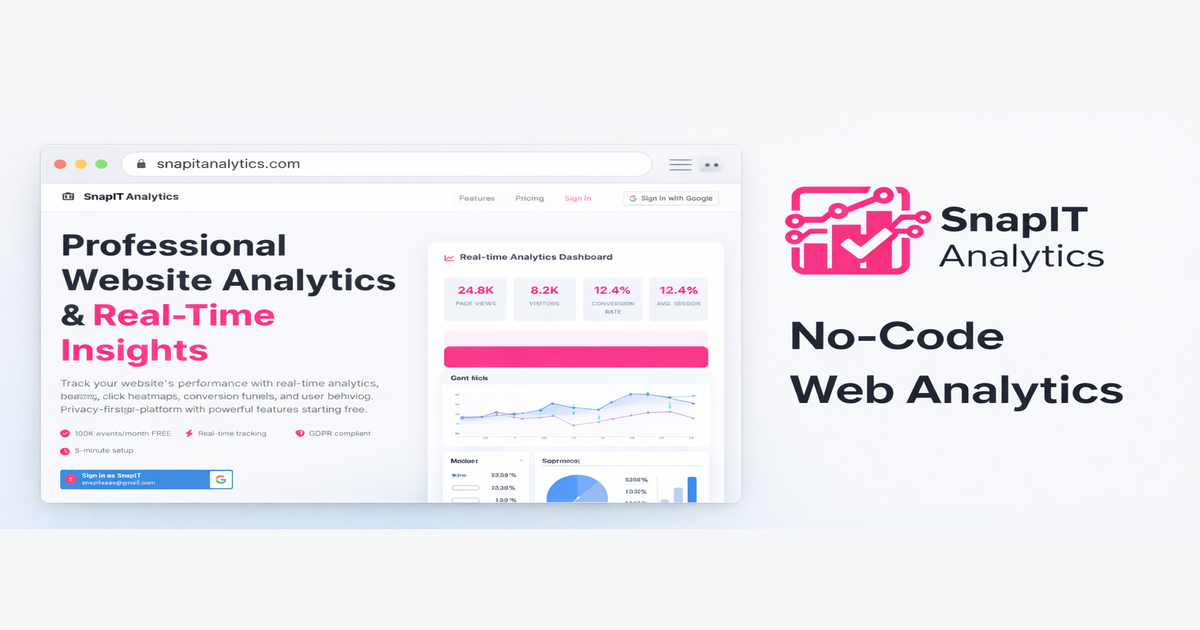
SnapIT Analytics is live. It is a web analytics platform I built from scratch as a privacy-first alternative to Google Analytics, Mixpanel, and Amplitude. No cookies by default, no personal data collection, no consent banners required, and a tracking script that weighs under 30KB (roughly 4KB over the wire with compression). Today I want to walk through why I built it, how it works under the hood, and where it is headed.
Why Build Another Analytics Platform
Google Analytics 4 was the catalyst. When Google forced the migration from Universal Analytics, millions of site owners were handed a tool that was harder to use, slower to load, and more invasive than what it replaced. GA4 drops a 45KB+ script on every page load, sets multiple cookies, and sends data to Google's advertising infrastructure. For most websites -- blogs, documentation sites, SaaS landing pages, portfolios -- that is wildly excessive.
I run 27 websites across two product suites. Every one of them needed analytics. I did not want to give Google visibility into all of my traffic, and I did not want to pay Mixpanel or Amplitude hundreds of dollars a month for features I would never use. So I built my own.
The guiding principle was simple: give me the metrics I actually need -- page views, referrers, device breakdowns, geographic distribution, funnel analysis -- without collecting anything that could identify an individual visitor. No cookies, no fingerprinting, no IP storage, no cross-site tracking.
The Tech Stack
SnapIT Analytics runs entirely on serverless AWS infrastructure. There are no EC2 instances to patch, no servers to scale, and no uptime to babysit.
- 36 Lambda functions (Node.js 20.x) handling everything from event ingestion to funnel calculation to Stripe billing
- API Gateway with a custom domain at
api.snapitanalytics.com, protected by AWS WAF with rate limiting and bot detection - DynamoDB for event storage and user data, with TTL-based expiration for automatic data lifecycle management
- CloudFront serving the dashboard and tracking scripts from edge locations worldwide
- S3 for static hosting -- the entire frontend is 24 files
The serverless architecture means costs scale linearly with usage. At low traffic volumes, the AWS bill is a few dollars a month. At high volumes, Lambda's per-invocation pricing is still dramatically cheaper than running dedicated servers. There is no infrastructure to manage during quiet hours and no capacity to provision before traffic spikes.
The 30KB Tracker
This is the part I am most proud of. The SnapIT Analytics tracking script is under 30KB (roughly 4KB over the wire with compression). For comparison, Mixpanel's SDK (with session replay) is over 300KB. Amplitude's SDK is around 94KB gzipped. Even Plausible, which markets itself as lightweight, ships a 1KB script that then makes heavier network requests.
The SnapIT tracker handles page views, custom events, UTM parameter extraction, referrer tracking, scroll depth, click tracking for heatmaps, and session duration -- all in that 30KB payload. It loads asynchronously with defer, so it never blocks page rendering. Adding it to a site is two lines of HTML:
<script>window.SNAPIT_TRACKING_ID = 'SA_yourtrackingid';</script>
<script src="https://snapitanalytics.com/analytics.js" defer></script>
For sites that need even less, there is a simple-analytics.js variant at 7KB and a minimal tracker.js at under 3KB that only records page views.
Cookieless by Default
SnapIT Analytics does not set cookies unless the site owner explicitly opts into session tracking with consent. By default, the tracker operates in fully cookieless mode. Visitor uniqueness is approximated using a daily-rotating hash: SHA256(daily_salt + IP + user_agent + hostname). The salt rotates every 24 hours, so the same visitor generates a different hash tomorrow. The raw IP address is never stored -- it is used only at ingestion time to derive the country via CloudFront's CloudFront-Viewer-Country header, then discarded.
This means no cookie consent banners are required under GDPR, ePrivacy, or CCPA. The tracker also respects the Do Not Track header and the Global Privacy Control signal. If a visitor has either enabled, no events are recorded at all.
Geographic data is limited to country level. No city, no region, no coordinates. This is a deliberate constraint -- country-level data is useful for understanding your audience distribution without creating a privacy risk.
What the Dashboard Shows
The real-time dashboard at snapitanalytics.com provides the metrics that actually matter for most websites:
- Real-time visitors with live event streaming via Server-Sent Events
- Page views, unique visitors, and sessions over configurable time ranges
- Traffic sources -- referrers, UTM campaigns, direct vs. organic vs. social
- Device and browser breakdowns parsed from user agent data
- Geographic distribution at the country level
- Funnel analysis -- define multi-step funnels with a visual builder, see drop-off rates and step timing
- Heatmaps -- click density overlays on your actual pages (Pro tier and above)
- A/B testing -- split traffic between variants and measure conversion differences
All 27 of my websites report into one dashboard. I can switch between sites, compare metrics, and spot problems without logging into 27 different tools.
A REST API for Everything
Every feature in the dashboard is backed by a public REST API. This was a deliberate design choice. I wanted AI agents and automation scripts to be able to provision tracking, pull analytics data, and manage websites programmatically. The API supports JWT authentication, and every endpoint is documented.
A CI/CD pipeline can call POST /tracking/generate to create a tracking ID for a new site, embed the script during build, and start collecting data immediately -- no manual setup required. An AI agent monitoring site performance can call GET /analytics/{trackingId} to check traffic trends and flag anomalies. This is the kind of integration that closed-source analytics platforms make deliberately difficult.
Pricing That Makes Sense
The free tier includes 100,000 events per month, one website, and 30-day data retention. That is enough for most personal sites and small projects. Paid tiers start at $14.99/month for 500K events and scale up to enterprise volumes. There is no per-seat pricing, no "contact sales" wall, and no feature gating designed to force upgrades. Heatmaps and funnels start at the Pro tier ($29.99/month) because they require more compute, but core analytics are available on every plan.
Already in Production
SnapIT Analytics is not a beta or a proof of concept. It is running in production across every site in the SnapIT and Zoo product suites -- 27 websites ranging from a speed test tool to a QR code generator to an AI agent platform. The tracking script has processed millions of events. The dashboard has been my daily driver for months. The Stripe integration handles real subscriptions.
This is the same infrastructure that powers the analytics on the page you are reading right now.
What Comes Next
DynamoDB has been a solid foundation, but analytics workloads are fundamentally columnar. The next major milestone is migrating the query layer to ClickHouse running on EC2, with S3 as the data lake and Kinesis for real-time ingestion. This will enable sub-second queries across billions of events and make historical analysis dramatically faster.
On the SDK side, I am building first-party integrations for React, Vue, and Angular that provide component-level tracking, automatic route change detection, and typed event APIs. The goal is to make SnapIT Analytics feel native in every major frontend framework.
There is also work underway on a WordPress plugin and a Shopify app to make installation a one-click operation for non-technical users.
Try It
The free tier is genuinely free -- no credit card, no trial expiration. Sign up at snapitanalytics.com, generate a tracking ID, paste two lines of HTML into your site, and start seeing data in real time. If you care about your visitors' privacy and want analytics that do not slow down your site, give it a look.